Screen-Free Activities for Families (That Kids Actually Enjoy)
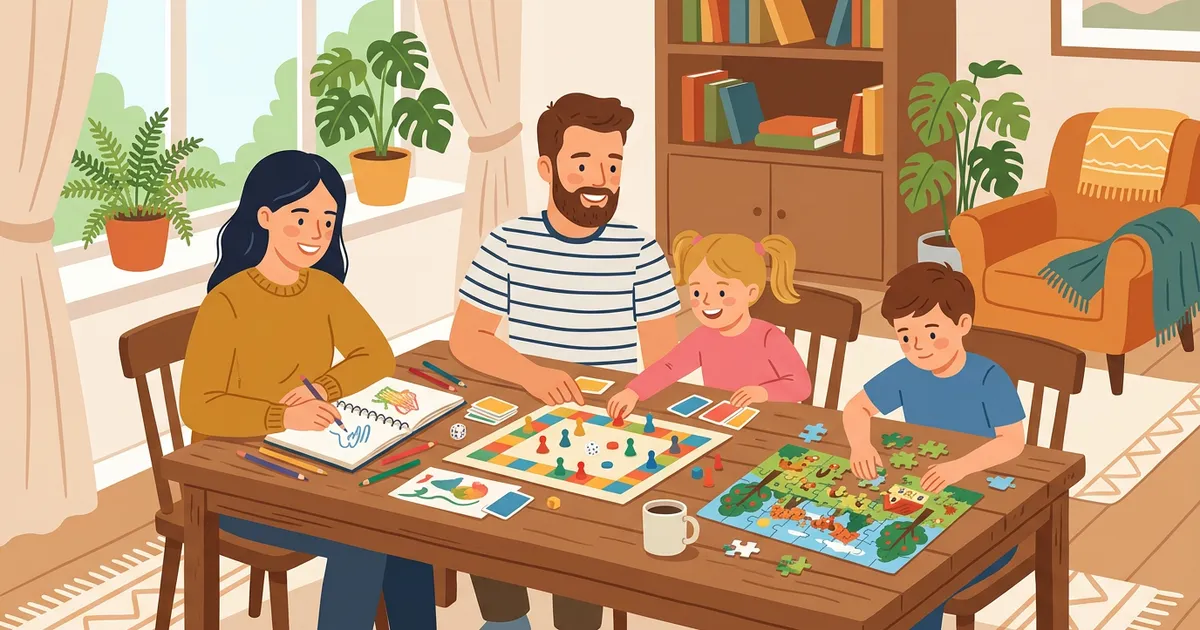
Every parent knows the battle: getting kids off screens and into activities they actually enjoy. The secret isn't banning screens — it's offering alternatives that are genuinely more fun than scrolling.
Here are 12 screen-free activities that families actually stick with, ranked by engagement and accessibility.
1. Crossword Puzzles (Printed)
Print crossword puzzles on topics your kids care about and solve together as a family. One person reads clues, others shout out answers, and someone fills in the grid. It's collaborative, educational, and surprisingly competitive.
Why kids love it: It feels like a game, not homework. Topics like Animals, Video Games, and Movies use vocabulary kids already know. The satisfaction of completing a grid is real.
Why parents love it: It builds vocabulary, spelling, and critical thinking without any argument. Research shows crosswords improve memory and cognitive function.
How to start: Print free crosswords from Grid Genius on any topic. Choose Easy difficulty and Mini (7×7) for younger kids, Medium and Standard (11×11) for older ones. Or create custom puzzles with your kids' spelling words.
Print free crossword puzzles
50+ topics, Easy to Hard difficulty, printable in seconds. No account needed.
Browse Puzzles to Print2. Board Games and Card Games
The classics endure for a reason. Scrabble, Boggle, Bananagrams, and Apples to Apples are word-game options that complement crossword skills. Strategy games (Settlers of Catan, Ticket to Ride) work for older kids.
Best for ages: 6+ for simple card games, 8+ for word games, 10+ for strategy games.
3. Outdoor Scavenger Hunts
Create a list of items to find in your yard, neighborhood, or local park. Nature hunts (find 5 different leaf shapes), color hunts (find something red, blue, green), or photo hunts (take a picture of something that starts with each letter of the alphabet).
Pro tip: Create a crossword puzzle from the scavenger hunt items afterward using the Word List Builder — it reinforces what they found and learned.
4. Cooking and Baking Together
Kids who help make dinner eat it more willingly. Start with simple recipes — cookies, pancakes, homemade pizza. Measuring ingredients teaches math. Following steps teaches sequencing. And the result is delicious.
Screen-free bonus: No recipe apps. Print the recipe or use a cookbook.
5. Reading Aloud
Not just for toddlers. Reading aloud works for all ages — chapter books for younger kids, short stories or articles for teens. Take turns reading paragraphs. Discuss what happened. Predict what comes next.
Crossword connection: After finishing a book, create a crossword puzzle about the characters, plot, and setting. It's a creative book report that doesn't feel like one.
6. Art and Drawing
Keep art supplies accessible — paper, colored pencils, markers, watercolors. Structured activities (draw your favorite animal, design a new flag, illustrate a scene from a book) work better than "just draw something."
For older kids: Zentangle patterns, comic strips, architectural sketches, or portrait drawing.
7. Building and Construction
LEGOs, K'NEX, magnetic tiles, blanket forts, or actual woodworking for older kids. Building things engages spatial reasoning and patience — the same cognitive skills that make crossword puzzles effective brain exercises.
8. Puzzles (Jigsaw)
A 500-piece jigsaw puzzle on the dining table that the whole family contributes to over a week. No commitment per session — just add a few pieces when you walk by.
Complement with: A crossword puzzle about the jigsaw image's theme (if it's a nature scene, do a nature crossword).
9. Writing and Journaling
Give each family member a journal. Write about your day, create stories, draw comics, or keep a gratitude list. Weekly "sharing time" where everyone reads their favorite entry builds connection.
Creative twist: Each family member writes 5 crossword clues about their week. Combine them into a family crossword using the Word List Builder.
10. Gardening
Even apartment dwellers can grow herbs on a windowsill. Kids love planting seeds and watching them grow. It teaches patience, responsibility, and biology — and you get fresh basil.
11. Music and Dance
Learn an instrument, have a family dance party, or just play music and sing along. No screens needed — just a speaker (or better yet, acoustic instruments).
12. Neighborhood Walks and Bike Rides
The simplest screen-free activity. Walk around the block, bike to the park, explore a new trail. Add structure with I-Spy games, nature identification, or step-counting challenges.
How to Make Screen-Free Time Stick
Don't make it punishment
"No screens, so do this instead" creates resentment. "Let's do something fun together" creates anticipation. Frame screen-free time as a bonus, not a restriction.
Make it routine
A regular "screen-free hour" after dinner or on Sunday mornings becomes normal. Kids stop negotiating when it's just what the family does.
Participate yourself
Kids notice when parents say "no screens" while scrolling their own phones. Put yours away too. The activity works better when the whole family is present.
Rotate activities
Don't do the same thing every time. Monday: crossword puzzle. Wednesday: art project. Saturday: outdoor adventure. Variety prevents boredom.
Let kids choose
Offer 2-3 options and let kids pick. Autonomy increases engagement. "Do you want to do a crossword puzzle, play a board game, or go for a bike ride?"
The Crossword Advantage
Among all screen-free activities, crossword puzzles have a unique combination:
- Educational — builds vocabulary, spelling, and critical thinking
- Adjustable difficulty — Easy/Mini for young kids, Hard/Large for teens and adults
- Any topic — kids choose what interests them (not what a textbook assigns)
- Free to print — no equipment cost, no batteries, no Wi-Fi
- Quick — a Mini crossword takes 5-10 minutes (no commitment barrier)
- Family-friendly — everyone can contribute regardless of age
- Research-backed brain benefits — not just fun, genuinely good for cognitive development
And when kids want the digital experience, Grid Genius's AI hints help them think through challenging clues rather than just revealing answers — making even the app version a genuine learning tool.
Start your family's screen-free crossword habit
Print puzzles on any topic. Easy for kids, challenging for adults. Free.
Browse TopicsReady to play?
AI-generated crossword puzzles on any topic — with smart AI hints that help you think, not just give away answers. Free to play, no sign-up required.
Start Playing Free