How to Create Custom Crossword Puzzles for Weddings, Parties, and Events
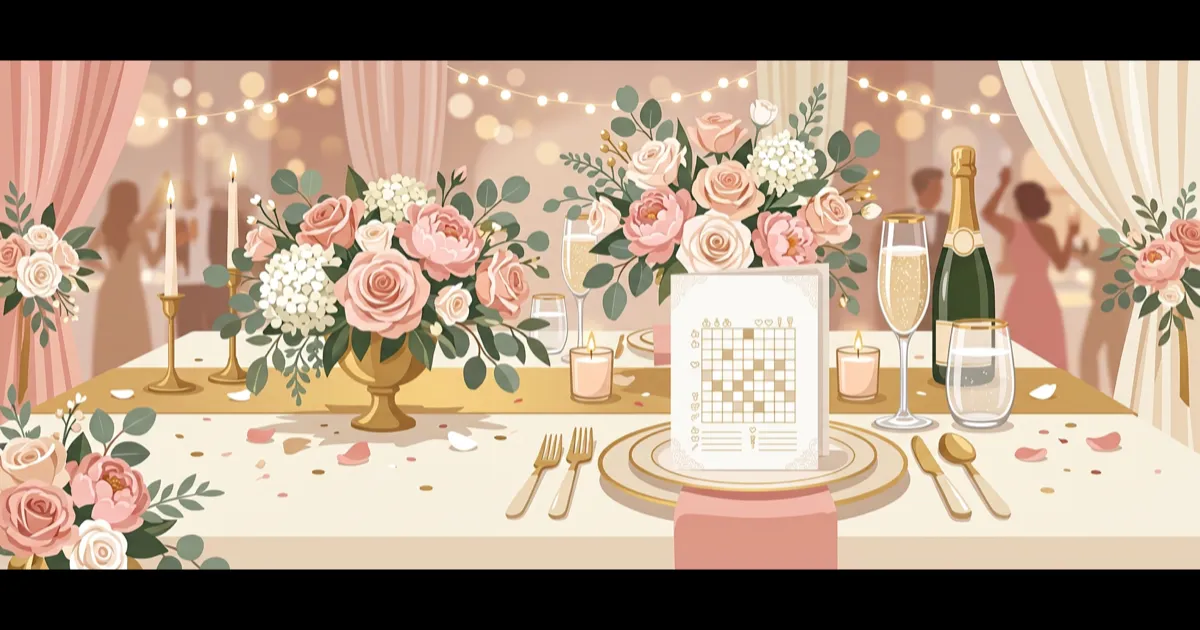
Custom crossword puzzles are the perfect activity for events — they're personal, interactive, and keep guests entertained without screens. Whether it's a wedding reception, baby shower, birthday party, or corporate team-building event, a personalized crossword adds a memorable touch.
Here's how to create one in minutes, for free.
Event Crossword Ideas
Wedding Reception
A wedding crossword is a popular table activity during cocktail hour or while waiting for the couple to arrive. Include words and clues about the couple:
Example words and clues:
- PARIS → "Where they got engaged"
- GOLDEN → "Color of the bridesmaids' dresses"
- JUNE → "Month they first met"
- LABRADOR → "Breed of their dog, Max"
- SUSHI → "Their favorite Friday night dinner"
- HIKING → "How they spent their first date"
- NANA → "Who introduced them"
Tips for wedding crosswords:
- Include a mix of easy (known by everyone) and hard (only close friends know) clues
- 12-15 words works well for a 20-minute activity
- Print on nice cardstock for an elegant touch
- Leave pencils at each table
- Include a small prize for the first table to complete it
Baby Shower
Baby shower crosswords can focus on baby-related vocabulary, the parents-to-be, or both:
Example words and clues:
- OLIVIA → "The baby's name"
- CRIB → "Where baby will sleep"
- TUESDAY → "Day of the week baby is due"
- PACIFIER → "Soothing device for fussy babies"
- STROLLER → "Transportation for park walks"
- ONESIE → "One-piece baby outfit"
Birthday Party
Create a crossword about the birthday person — their hobbies, favorite things, and memorable moments:
Example words and clues:
- THIRTY → "The age being celebrated today"
- TENNIS → "Birthday person's favorite sport"
- ITALY → "Where they traveled last summer"
- COFFEE → "Can't start the day without this"
- TOLKIEN → "Their favorite author"
Corporate Team Building
Team-building crosswords can focus on company knowledge, industry terms, or the team itself:
Example words and clues:
- MISSION → "Our company statement that starts with 'To empower...'"
- KEVIN → "Who joined the team most recently?"
- SLACK → "Where we share funny GIFs"
- QUARTERLY → "How often we do performance reviews"
- INNOVATION → "This year's company theme"
Holiday Parties
Seasonal vocabulary makes for festive puzzles:
Thanksgiving: turkey, gratitude, pilgrim, harvest, cranberry Christmas: ornament, reindeer, caroling, mistletoe, nutcracker Halloween: costume, pumpkin, spooky, cobweb, vampire New Year: countdown, resolution, champagne, midnight, confetti
Step-by-Step: Create Your Event Crossword
1. Plan your word list
Write down 10-20 words related to your event. Include:
- Personal details specific to the people being celebrated
- Event vocabulary related to the occasion
- Mix of difficulties — some obvious, some that require insider knowledge
2. Write engaging clues
The clues make or break an event crossword. Make them fun and personal:
- Use inside jokes that guests will appreciate
- Add humor: "What Sarah always orders at brunch (hint: it's not healthy)" → WAFFLES
- Include multiple-choice style: "The couple's first dance song: 'At ___'" → LAST
3. Build with the Word List Builder
Go to gridgenius.app/create/word-list/ and:
- Enter each word and its clue
- Choose grid size (11×11 is usually perfect for events)
- Click "Generate Crossword"
- Review — if some words didn't fit, try regenerating or removing the least important ones
4. Print or share digitally
For physical events: Download the puzzle image and print copies. Use cardstock for weddings or nice paper for parties. Print a separate answer key for the host.
For virtual events: Click "Share with Friends" to create a playable link. Share in the group chat, email, or event invitation. Guests solve on their phones — no downloads needed.
For hybrid: Do both! Physical copies on tables, plus a QR code linking to the digital version for guests who prefer their phones.
Create your event crossword now
Enter your words, generate a puzzle, print or share — completely free.
Open Word List BuilderAdvanced: Use the Freeform Editor
Want the grid to spell something? Use the Freeform Editor to manually place words and create:
- A heart shape for weddings (fill letters in a heart pattern, leave surrounding cells black)
- Initials of the couple hidden in the grid
- A number (like "30") formed by the filled cells for a milestone birthday
- A word spelled out by highlighted cells
The Freeform Editor gives you complete control over where every letter goes. It takes longer than the Word List Builder but produces more creative results.
Presentation Tips
Printed crosswords
- Use a clean, high-quality printer
- Consider cardstock or heavier paper for a premium feel
- Include a title at the top: "The Smith Wedding Crossword" or "How Well Do You Know Sarah?"
- Place pencils (not pens!) with each copy
- Print answer keys for the host but don't distribute them until the end
Digital crosswords
- Share the link 10-15 minutes before the activity
- Set a timer for friendly competition
- Display results on a screen if possible
- The shareable link works on any device — phones, tablets, laptops
Making it competitive
- First person/table to finish wins a prize
- Award points for speed and accuracy
- Create teams for collaborative solving
- Give bonus points for the hardest clues
Why Event Crosswords Work
- Icebreaker: Guests who don't know each other have a shared activity
- Personal touch: Customized content shows thoughtfulness
- Universal appeal: Most people have solved a crossword before
- Flexible timing: Guests can start and stop as the event flows
- Keepsake: A completed wedding crossword is a unique memento
- No tech needed: Print copies work without Wi-Fi or devices
- Budget-friendly: Completely free to create with Grid Genius
Whether you're planning a wedding, throwing a party, or organizing a corporate event, a custom crossword takes 15 minutes to create and provides genuine engagement your guests will remember.
Ready to play?
AI-generated crossword puzzles on any topic — with smart AI hints that help you think, not just give away answers. Free to play, no sign-up required.
Start Playing Free