Free Crossword Puzzle Maker for Teachers and Classrooms
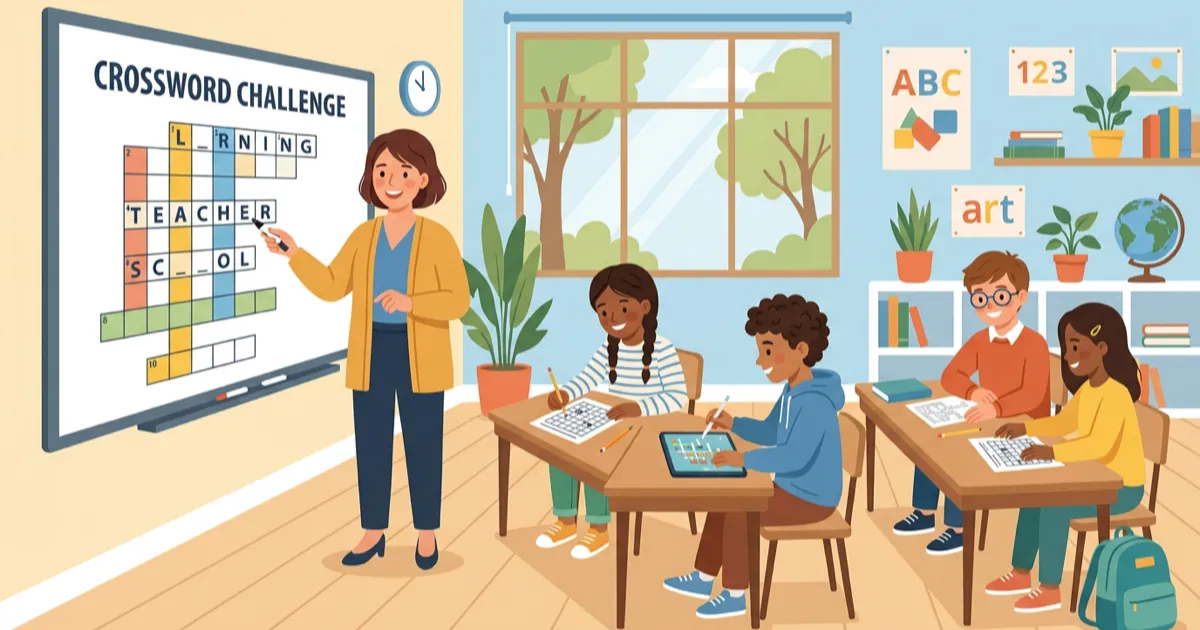
Crossword puzzles are one of the most effective classroom tools for vocabulary review, test preparation, and student engagement. With Grid Genius's free crossword maker, you can create a custom puzzle from your own word list in minutes — no account, no subscription, no download required.
Here's how to use it and why it works.
Why Crosswords Work in the Classroom
Research consistently shows that crossword puzzles improve vocabulary retention, spelling accuracy, and contextual understanding. They work because they combine several learning mechanisms:
- Active recall: Students must retrieve vocabulary from memory, not just recognize it
- Contextual clues: Writing good clues requires understanding definitions, synonyms, and usage
- Pattern recognition: Intersecting letters provide built-in hints that scaffold learning
- Low-stakes engagement: Puzzles feel like a game, reducing test anxiety
- Self-paced: Students work at their own speed without the pressure of timed assessments
A Duke University study found that crossword puzzles outperformed computer-based brain games at improving memory and cognitive function — and the engagement factor makes them ideal for classroom settings where attention is at a premium.
How to Create a Classroom Crossword (5 Minutes)
Grid Genius offers two free creation methods perfect for educators. Here's the fastest path:
Step 1: Open the Word List Builder
Go to gridgenius.app/create/word-list/ — no account needed.
Step 2: Enter Your Vocabulary Words
Type each word and its clue. The clue is what students will see, so write it to match your learning objectives:
For vocabulary review:
- Word:
PHOTOSYNTHESIS→ Clue: "Process by which plants convert sunlight into energy" - Word:
CHLOROPHYLL→ Clue: "Green pigment that absorbs light in leaves"
For test preparation:
- Word:
MITOSIS→ Clue: "Cell division that produces two identical daughter cells" - Word:
MEIOSIS→ Clue: "Cell division that produces four genetically unique cells"
For reading comprehension:
- Word:
ATTICUS→ Clue: "Scout's father in To Kill a Mockingbird" - Word:
MAYCOMB→ Clue: "Fictional Alabama town in Harper Lee's novel"
You need at least 3 words, but 8–15 words works best for a classroom activity.
Step 3: Choose a Grid Size
- Mini (7×7): Best for younger students or quick warm-ups (5–8 words)
- Standard (11×11): Best for most classroom activities (10–15 words)
- Large (15×15): Best for comprehensive review sessions (15–25 words)
Step 4: Generate and Review
Click "Generate Crossword." The algorithm arranges your words into an interlocking grid, finding shared letters to create crossings. Review the result — if some words didn't fit, try regenerating or adjusting your word list.
Step 5: Share or Print
You have two options:
Print it: Download as a high-quality PNG image. Print copies for the class — includes the grid, numbered clues (Across and Down), and you can print a separate answer key.
Share digitally: Click "Share with Friends" to create a playable link. Students open the link on any device (phone, tablet, Chromebook) and solve interactively in their browser. No app download or account needed.
Create your first classroom crossword
Enter your vocabulary words, generate a crossword, and share — all free.
Open Word List Builder10 Ways Teachers Use Crossword Puzzles
1. Vocabulary Introduction
Create a crossword with new unit vocabulary before teaching the content. Students encounter terms in a puzzle context, building curiosity and familiarity before formal instruction.
2. Chapter Review
After completing a textbook chapter, build a crossword from key terms and concepts. It's a more engaging alternative to fill-in-the-blank worksheets.
3. Bell Ringer / Warm-Up Activity
A mini crossword (7×7) with 5–6 terms from the previous lesson is a perfect 5-minute warm-up that gets students thinking about the subject immediately.
4. Test Preparation
Create a comprehensive crossword covering all terms from an upcoming exam. Students use it as a study tool — the crossword format forces active recall rather than passive re-reading.
5. Substitute Teacher Activity
Leave a crossword as a no-prep activity for substitute teachers. It keeps students engaged with curriculum content even when you're away.
6. Differentiated Learning
Create multiple crosswords at different difficulty levels: simpler clues and fewer words for struggling students, more complex definitions for advanced learners.
7. Homework Assignment
Share a digital crossword link as homework. Students solve on their own device, and you can create a new puzzle each week covering that week's material.
8. Team Competition
Print crosswords and have students race in teams to complete them. The collaborative aspect adds energy while reinforcing content.
9. End-of-Unit Assessment
Use a crossword as a low-stakes formative assessment. If students can complete the puzzle without notes, they've demonstrated vocabulary mastery.
10. Cross-Curricular Connections
Build crosswords that span subjects — a puzzle about the American Revolution might include history terms, geographic locations, and literary references from the period.
Subject-Specific Crossword Ideas
Science
- Periodic table elements and their properties
- Body systems vocabulary (circulatory, nervous, digestive)
- Scientific method terminology
- Ecosystem and food chain terms
English / Language Arts
- Literary devices (metaphor, alliteration, foreshadowing)
- Shakespeare characters and plays
- Grammar terminology (conjunction, predicate, gerund)
- Vocabulary from assigned reading
Social Studies / History
- Historical figures and their contributions
- Geographic features and capitals
- Government and civics terminology
- Cultural vocabulary from world history units
World Languages
- Vocabulary from current unit in target language
- Cultural terms and traditions
- Grammar terminology (conjugation, subjunctive, gender)
Math
- Geometry terms (hypotenuse, perpendicular, polygon)
- Statistics vocabulary (median, deviation, correlation)
- Mathematical operations and concepts
Tips for Better Classroom Crosswords
Write clues at the right level. Match clue difficulty to your students. For younger students, use direct definitions. For older students, try contextual clues: instead of "The square root of 144" → try "If a square garden has an area of 144 sq ft, each side measures ___ feet."
Include a mix of easy and hard words. Easy words give students confidence and provide crossing letters that help with harder terms. Aim for 60% accessible, 40% challenging.
Keep word count manageable. 8–15 words is the sweet spot. Too few and the puzzle feels empty; too many and it becomes overwhelming.
Test your puzzle first. Solve it yourself before giving it to students. Check that clues are unambiguous and that the grid layout makes sense.
Reuse and iterate. Save your word lists and create variations throughout the year. A vocabulary crossword at the start of a unit and another at the end shows growth.
Also: AI-Generated Puzzles on Any Topic
If you don't want to create word lists manually, Grid Genius can generate entire crossword puzzles from just a topic name using AI. Enter "Photosynthesis" or "World War II" and get a complete puzzle in under 30 seconds — words, clues, and grid layout all generated automatically.
AI generation requires a Pro subscription, but it's a powerful tool for teachers who want quick puzzles without the manual work. And when students solve these puzzles, the AI hint system helps them think through challenging clues rather than just revealing answers.
Also: The Freeform Editor
If you want more control over the grid layout — for example, creating a puzzle where the grid spells out a word or has a specific shape — use the Freeform Editor. You place each letter manually and write custom clues. It takes longer but gives you complete creative control.
Frequently Asked Questions
Is Grid Genius's crossword maker really free?
Yes. The Word List Builder and Freeform Editor are completely free with no account required. You can create unlimited puzzles, download them as images, and share playable links — all at no cost.
Do my students need accounts to solve shared puzzles?
No. When you share a crossword link, anyone can open it and start solving immediately in their browser. No account, no app download, no subscription.
Can I print the crosswords?
Yes. Download the puzzle as a high-quality image and print it. The export includes the grid with numbered squares and organized clue lists (Across and Down). You can also print a separate answer key.
How many words can I include?
The Word List Builder accepts any number of words. For a 7×7 grid, 5–8 words works best. For 11×11, aim for 10–15 words. For 15×15, you can include 15–25+ words.
Can I make crosswords in languages other than English?
Yes. The Word List Builder works with any alphabet — enter your words and clues in any language.
Start building classroom crosswords
Free, no account needed. Enter your words, generate a puzzle, share with students.
Create a Crossword NowReady to play?
AI-generated crossword puzzles on any topic — with smart AI hints that help you think, not just give away answers. Free to play, no sign-up required.
Start Playing Free